There are lots of logging pacakges available.
Nlog is one of the logger many projects use.
Lets quickly look at the simple code to see how it logs and where the logs store
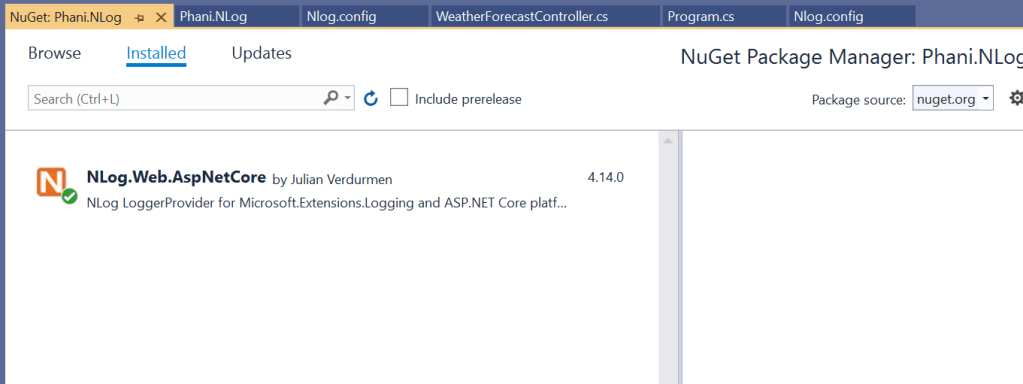
Install the Nlog below package
Create a Nlog.config file in the project and add below code and specify the log path in this file
<targets>
    <!-- write logs to file  -->
    <target xsi:type="File" name="allfile" fileName="c:\temp\nlog-${shortdate}.log"
            layout="${longdate}|${event-properties:item=EventId_Id}|${uppercase:${level}}|${logger}|${message} ${exception:format=tostring}" />
</targets>
Now in the program add the log builder and configure the logging .
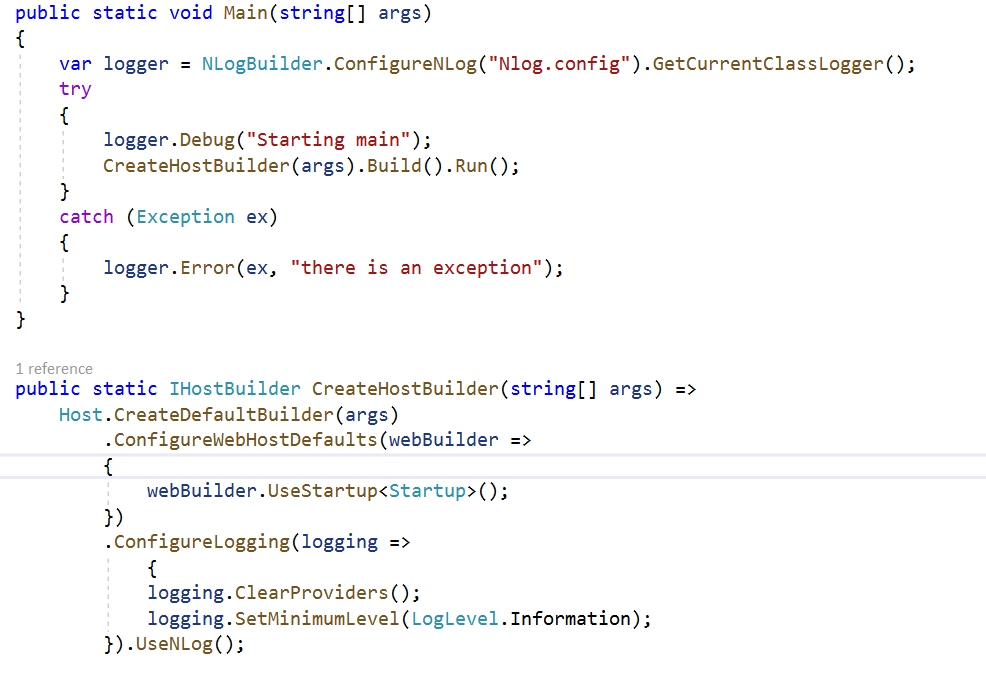
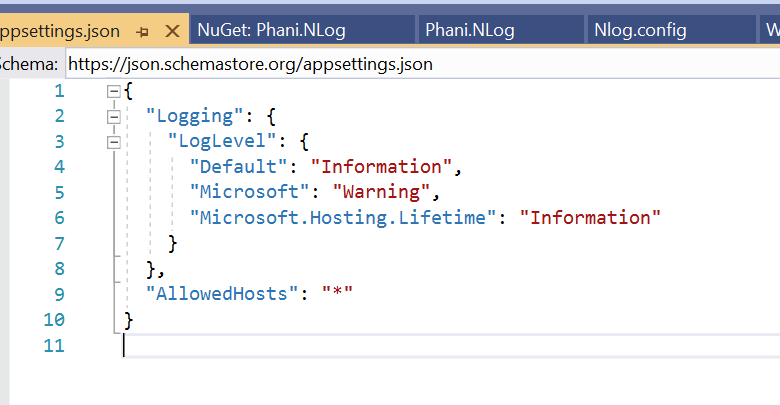
you can changethe log levels like trace, but when changed chagne in appsettings.json too
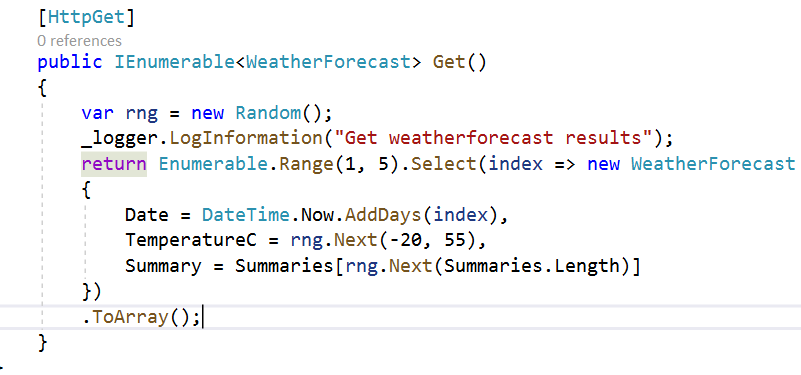
We almost done. Now just add the logger whereever you need like
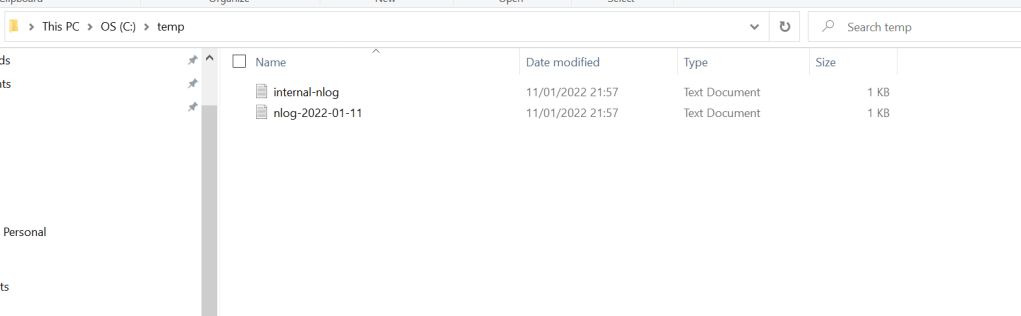
Now run the application and you can go to the path specified in nlog config file . here my path is in temp folder
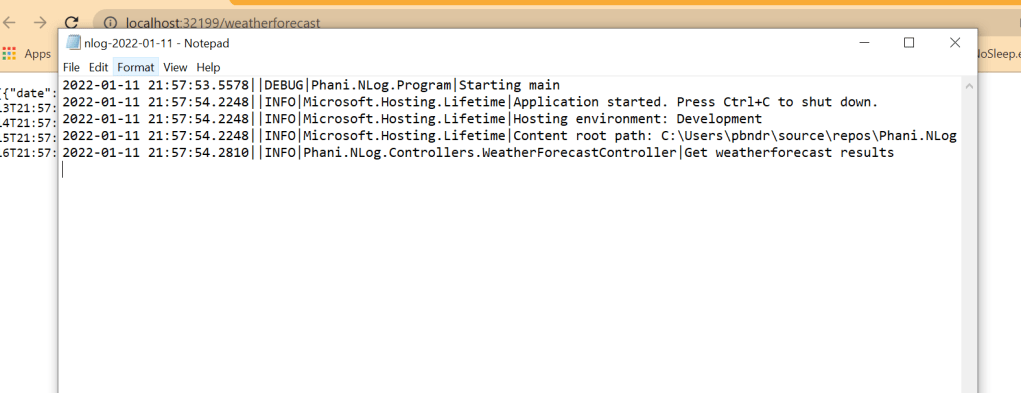
Once open the nlog file and you can see the list of logs by date specified
code in my github: https://github.com/pbndru/Phani.NLog
 Phani Bandaru