When building APIs we need API Gateway
There are many API Gateways available like Ocelot, Kong, Express API for Express Js
Here we will look into Ocelot
There is a possibility of single point of failure with Gateway API. So some projects dont prefer this approach
For microsrevice architecture, it’s good to use Gateway API
Here I will be showing simple microservices like Developer API, Tester API and Gateway API
For Developer API, run it in port 7001
For Tester API, run it in port 7002
For Gateway API, run it in port 7000
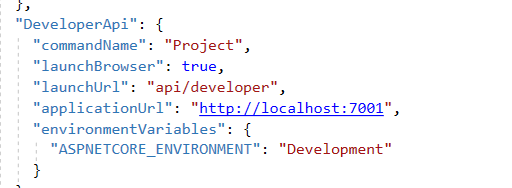
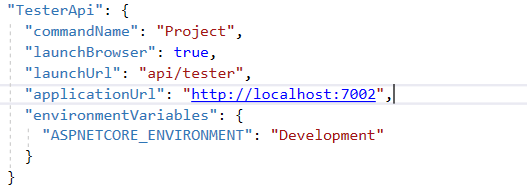
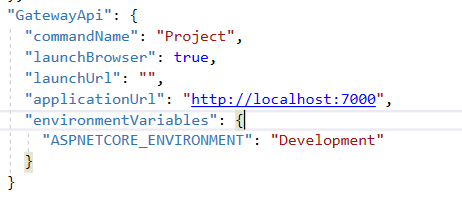
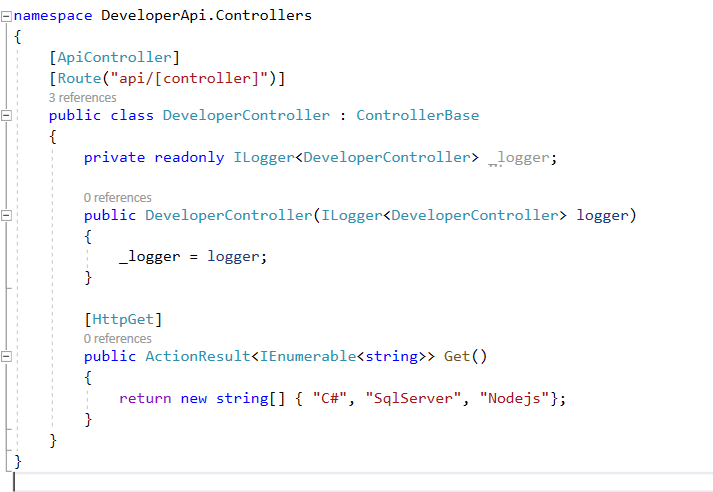
Lets add simple controller to return simple data
For DeveloperController look at below image
For Tester Controller
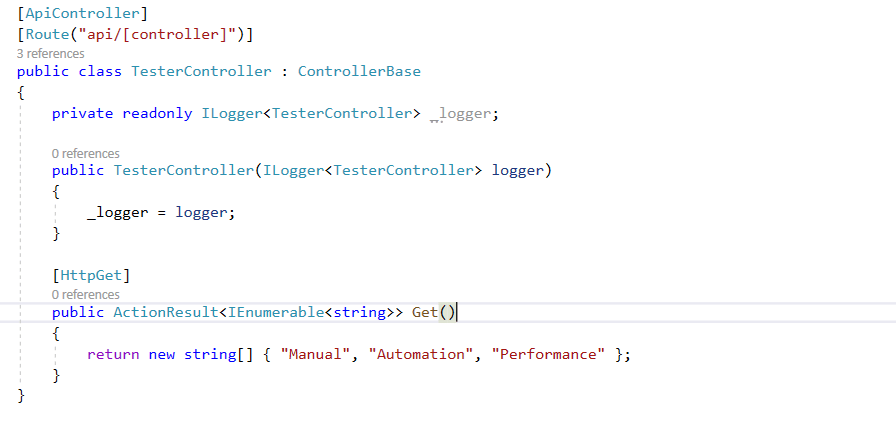
Now in Gateway API we add a ocelot.json for the microservice path urls and redirects
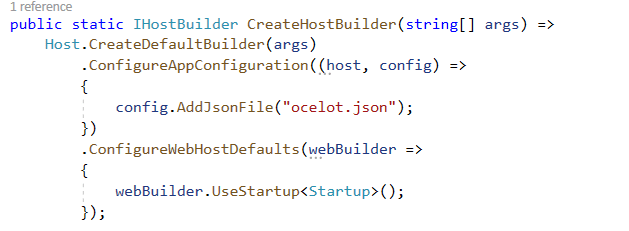
And we need to add JSON file path to Builder to read
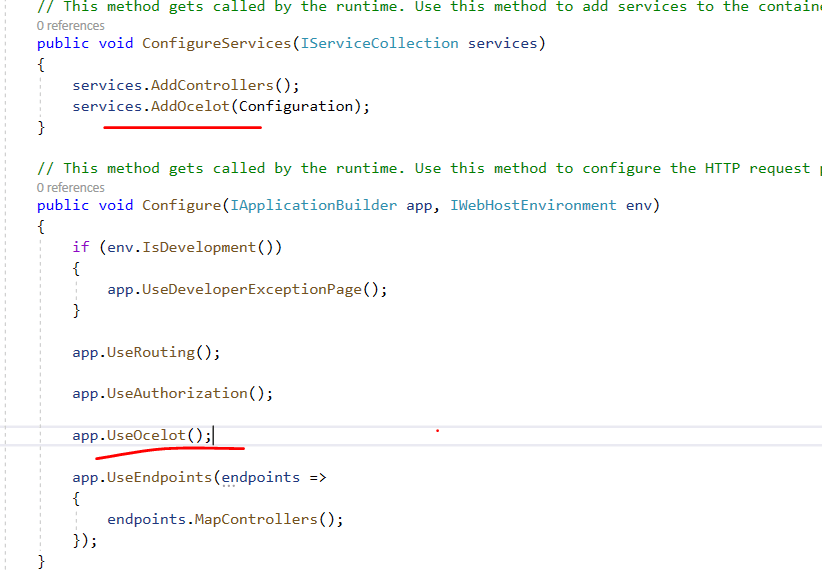
Add Ocelot service as Middleware to startup
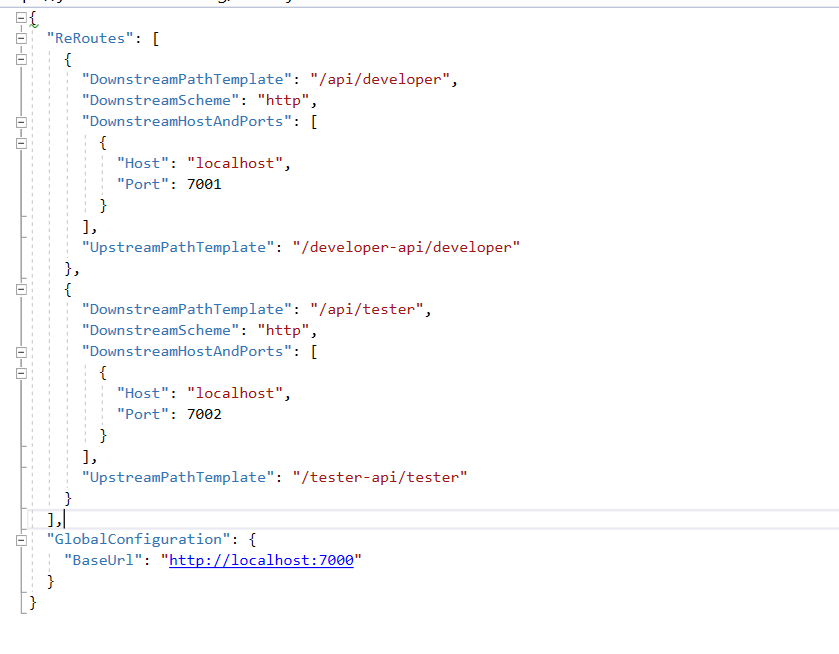
Now in ocelot.json lets add the configuration redirects for microservices. So here we add Developer API and Tester API paths with the ports of 7001 and 7002 where they are running
If you run our APP, for Tester API

If you run your developer API

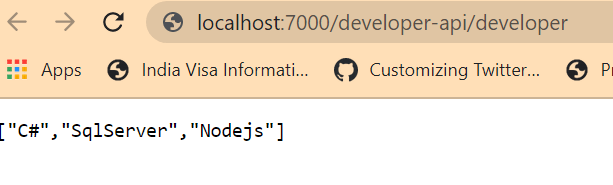
Now if we run our Ocelot Gateway API, we can see the output with port 7000 running developer api
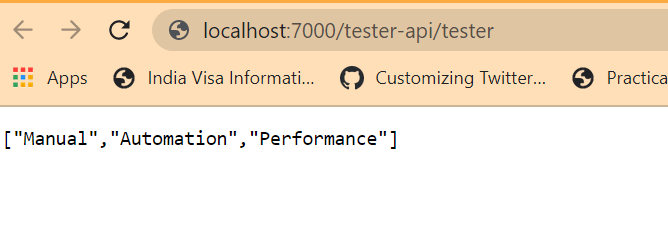
For Tester API,
Hope you enjoyed this article about how we can access microservices through API Gateway
Code in my Github: https://github.com/pbndru/Phani.ApiGateway
 Phani Bandaru