.Net Core Api Cancellation token

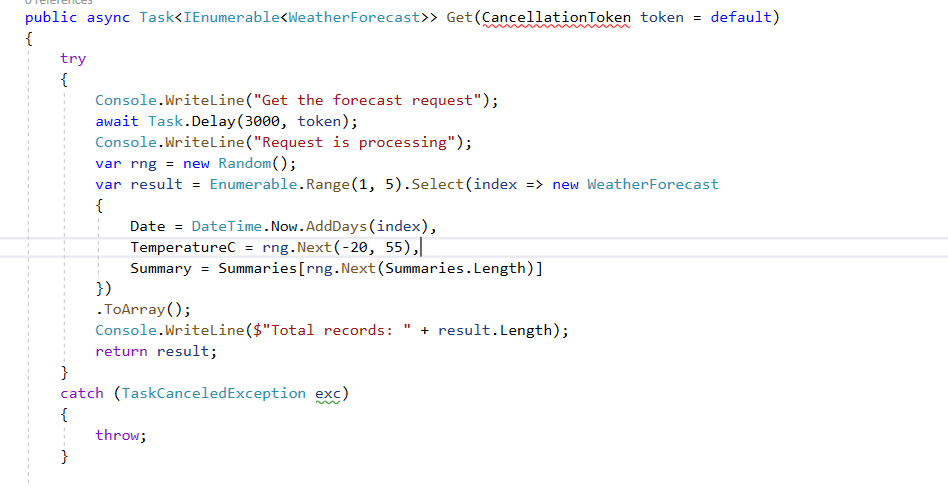
On API call, we usually get data from database or through Http request. Here in our API call, we get custom list of records and we add to console and check the results

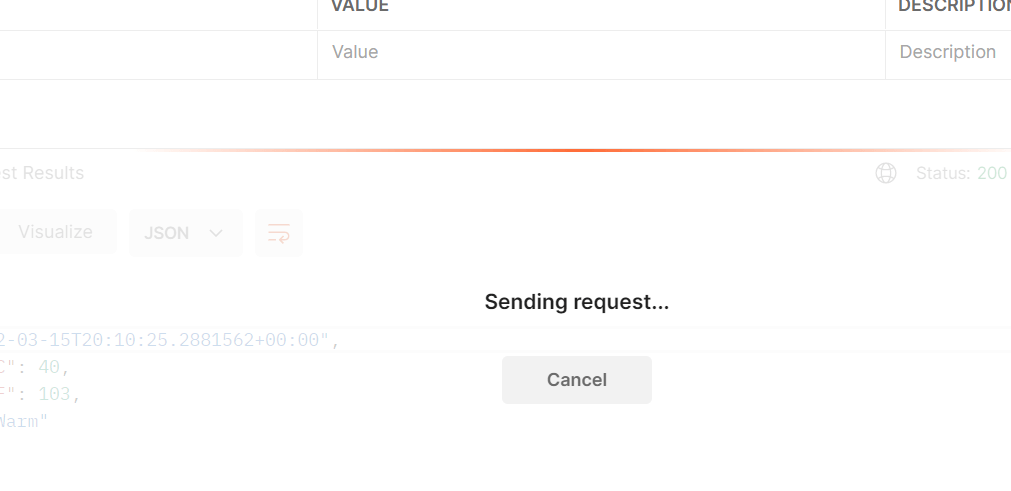
when we run through postman, we can get those results and the console output results

Now , lets cancel the request in postman and check the output results

Now i cancelled the request but still the results are returned

To save the resources returning the results we can use cancellation token.

Now when we cancel a request, it will throw TaskCancelledException

By using this we are saving resources and thread pools and saving time by not running the task

Code in my Github: https://github.com/pbndru/Phani.CancellationToken

Nodejs Rest Api

Lets build simple nodejs app with CRUD database operations

I will be using MongoDB for DB

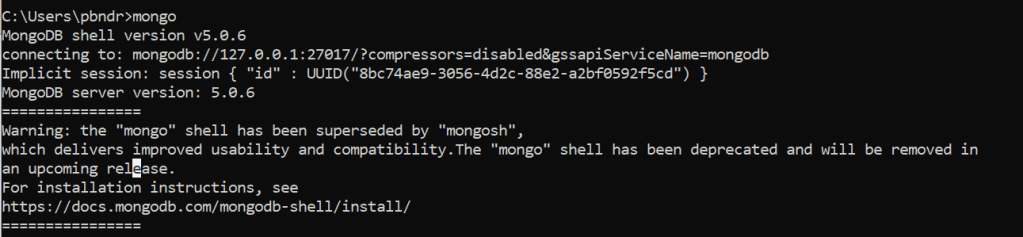
Please install mongodb and check the server is runing by running mongo demon and mongo server:

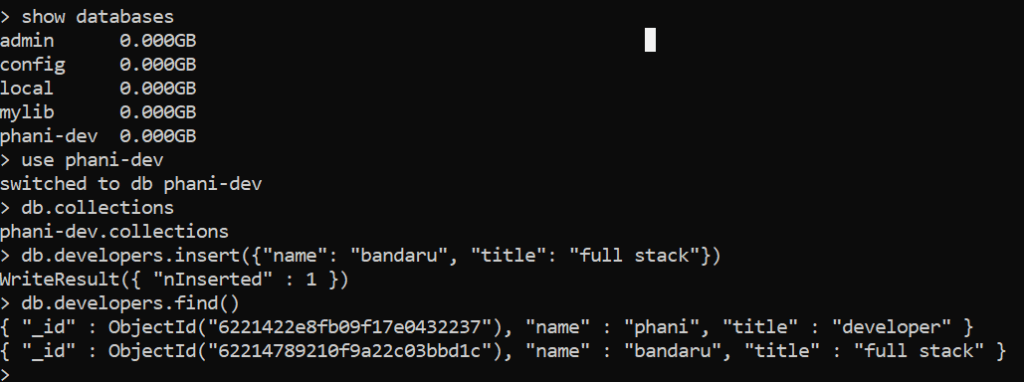
Now, lets create a database and a table

I created phani-dev database and developers table and inserted rows.

use above commands to insert

Install the below npm packages

express, morgan, helmet, monk, body-parser, eslint, nodemon, dotenv, joi

express is a nodejs framework

morgan is a middleware logger

helmet is for HTTP header security

monk: Its a tiny layer which provides improvements for MongoDb usage

nodemon: Automatic restarting of our application when any file changes

joi: its a validator

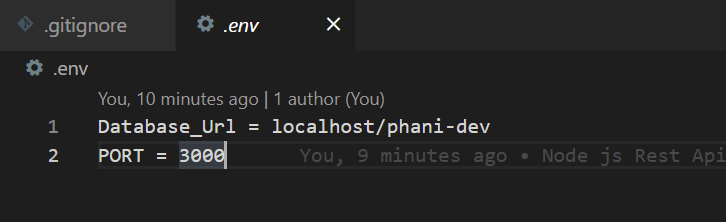
Create an env variable file for our database

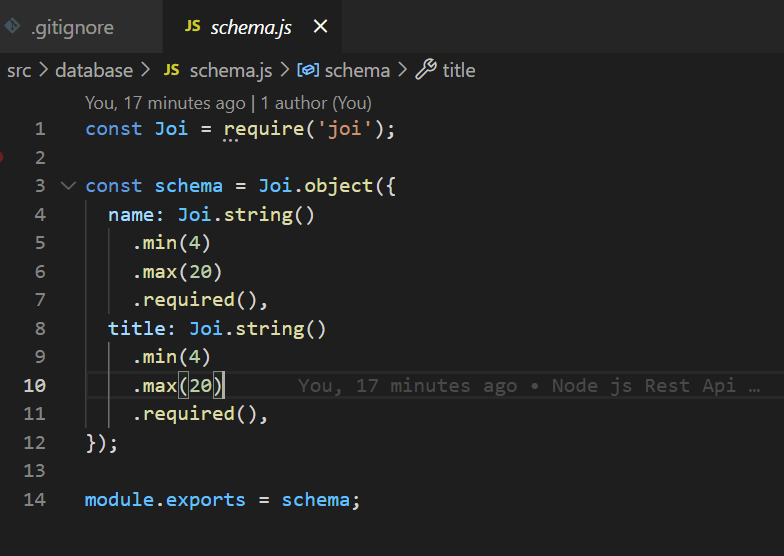
Create a schema for our database

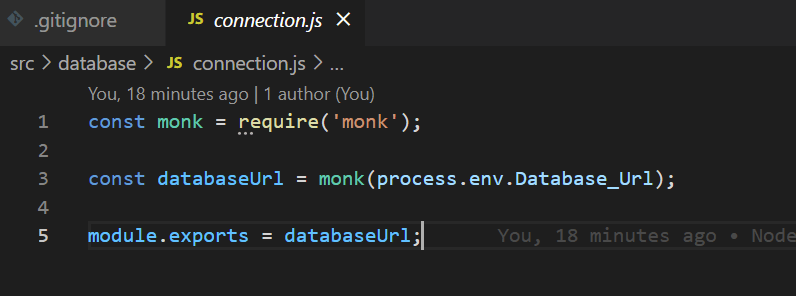
Create a database connection

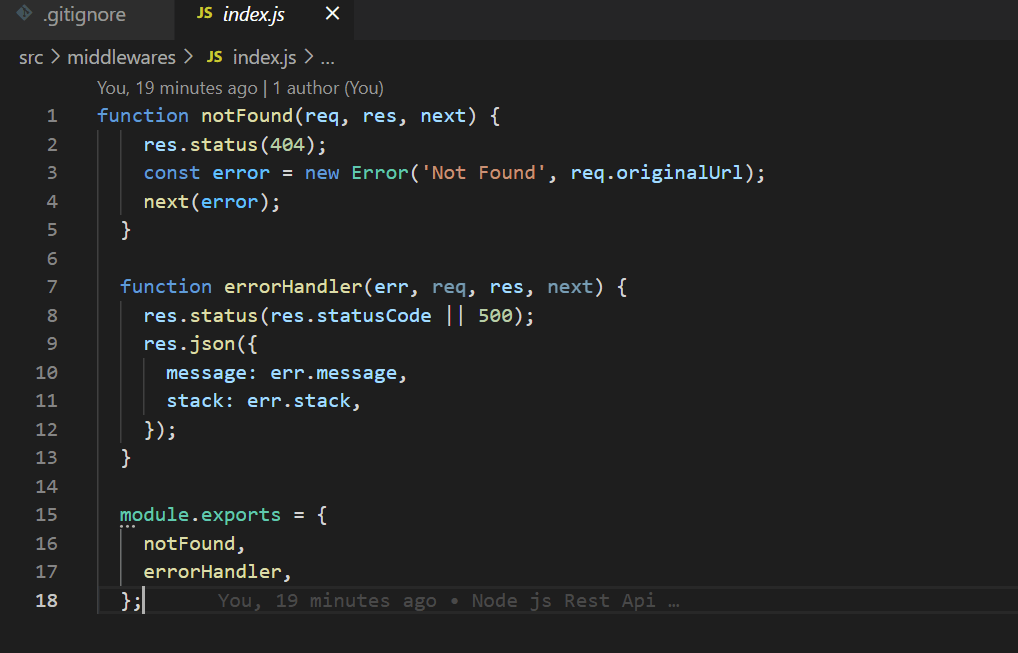
Create middleware for handling errors

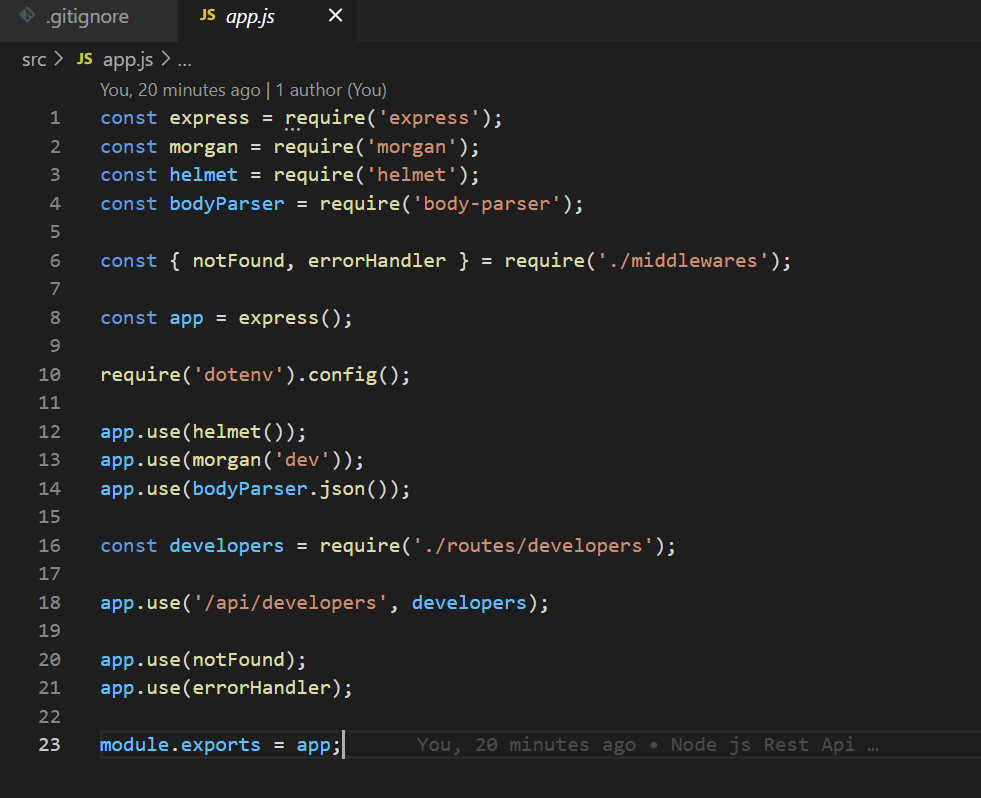
Now in our main app lets use all the packages mentioned above and add a developer route

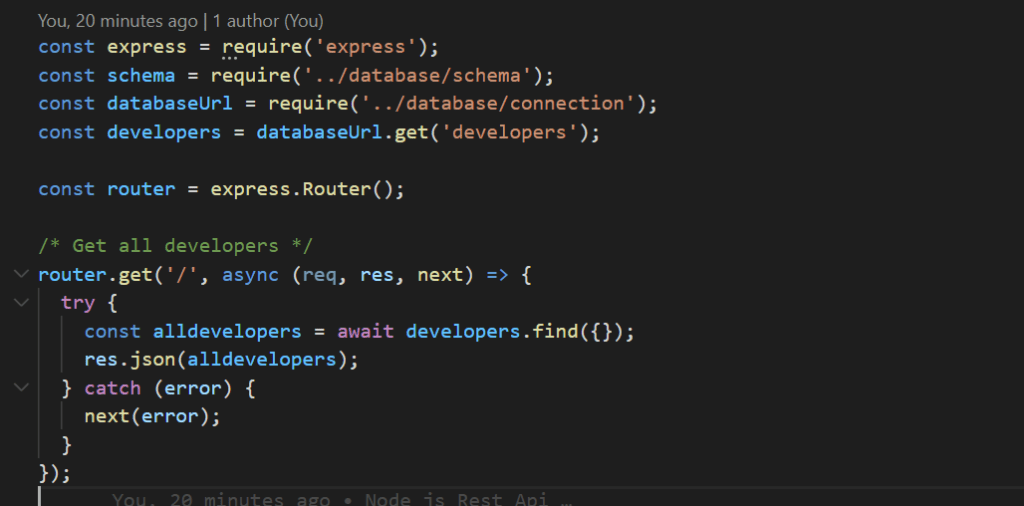
Now, lets create a developer route with CRUD operations

I created for all types of requests here

api/developers – GET – return all developers

api/developers/id – GET – return specific developer details

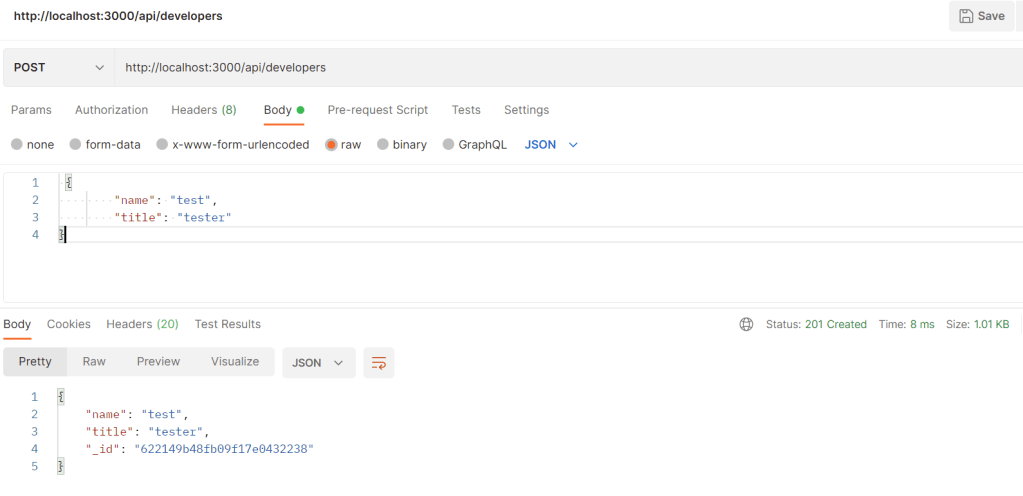
api/developers – POST – add a new developer

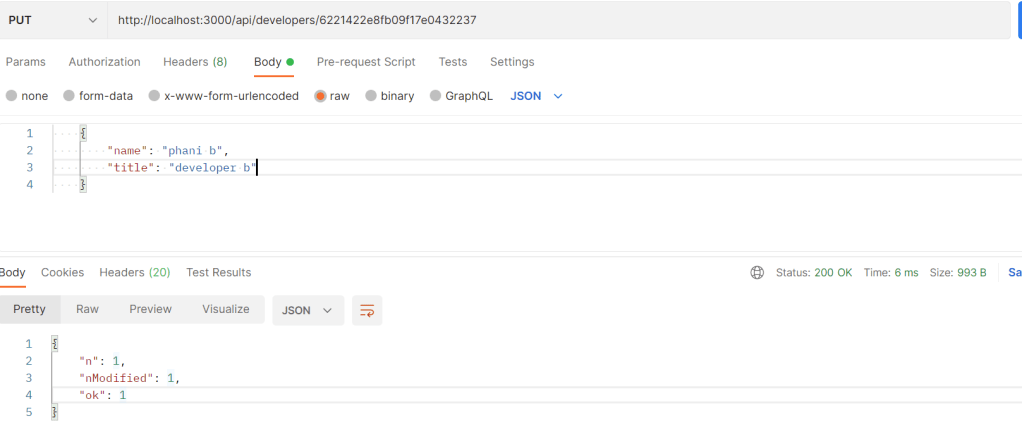
api/developers/id – PUT – update details for an existing developer

api/developers/id – DELETE – delete developer

Now, we are ready to run our application

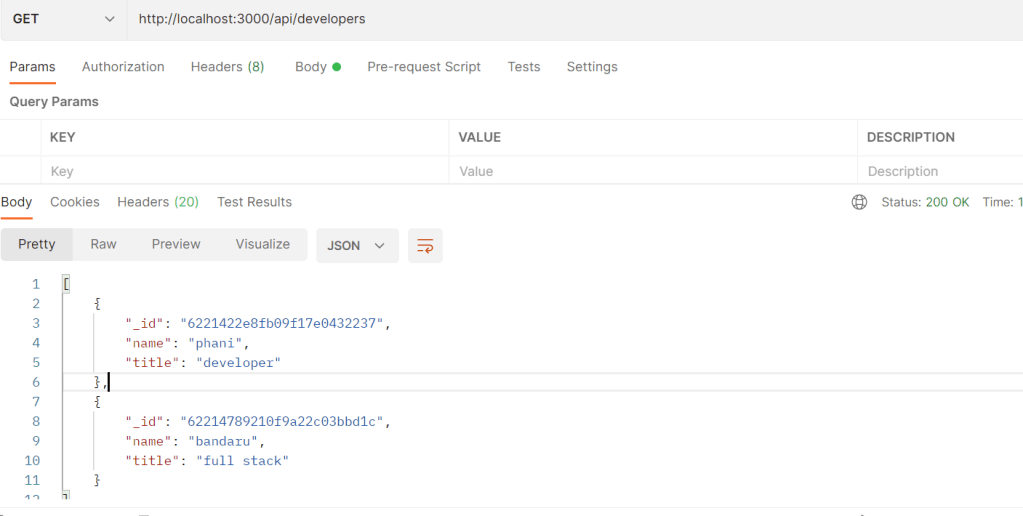
Get all developers by running: http://localhost/3000/api/developers

Note: port is not specific

You can see statuscode with success response

Lets add a developer

Lets update an existing developer

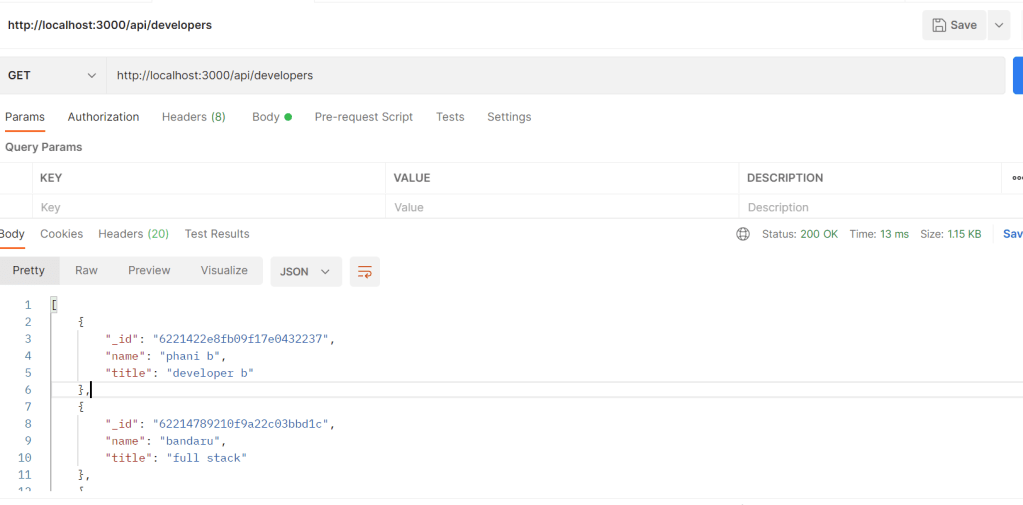
Now lets see the updated results

I updated by adding “p” to the end

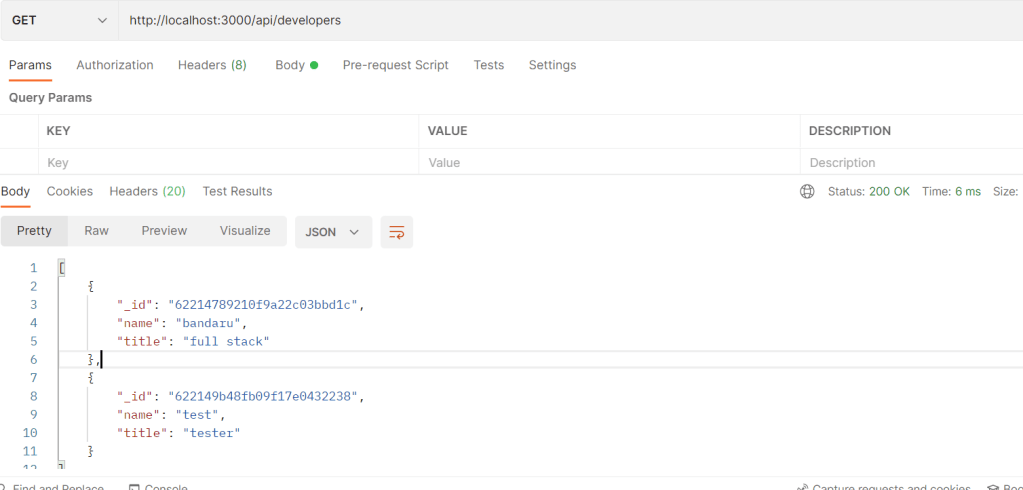
Lets DELETE a record

Now run and see the results. we will see phani b developer deleted

Thats it. hope you enjoyed the article

Code in my Github: https://github.com/pbndru/phani-express-api